AI pair programming means working on code together with an AI model the way you would with a human partner: one of you drives, the other navigates and reviews. This guide shows the workflows that hold up on real codebases, from plan-first sessions to test loops and review habits, with prompts and settings you can copy.
- Decide who drives. With a coding agent you usually navigate (plan, review, decide) while the agent drives (types, runs, fixes).
- Plan before code for anything that touches more than one file; in Claude Code, plan mode keeps the agent read-only until you approve.
- Give the agent a check it can run, such as tests or a build, so it iterates to green instead of stopping when the code looks done.
- Keep diffs small and commit often, so every change is easy to review and easy to throw away.
- Review AI code like a colleague's pull request: read every diff, ask why, and never merge what you cannot explain.
What is AI pair programming?
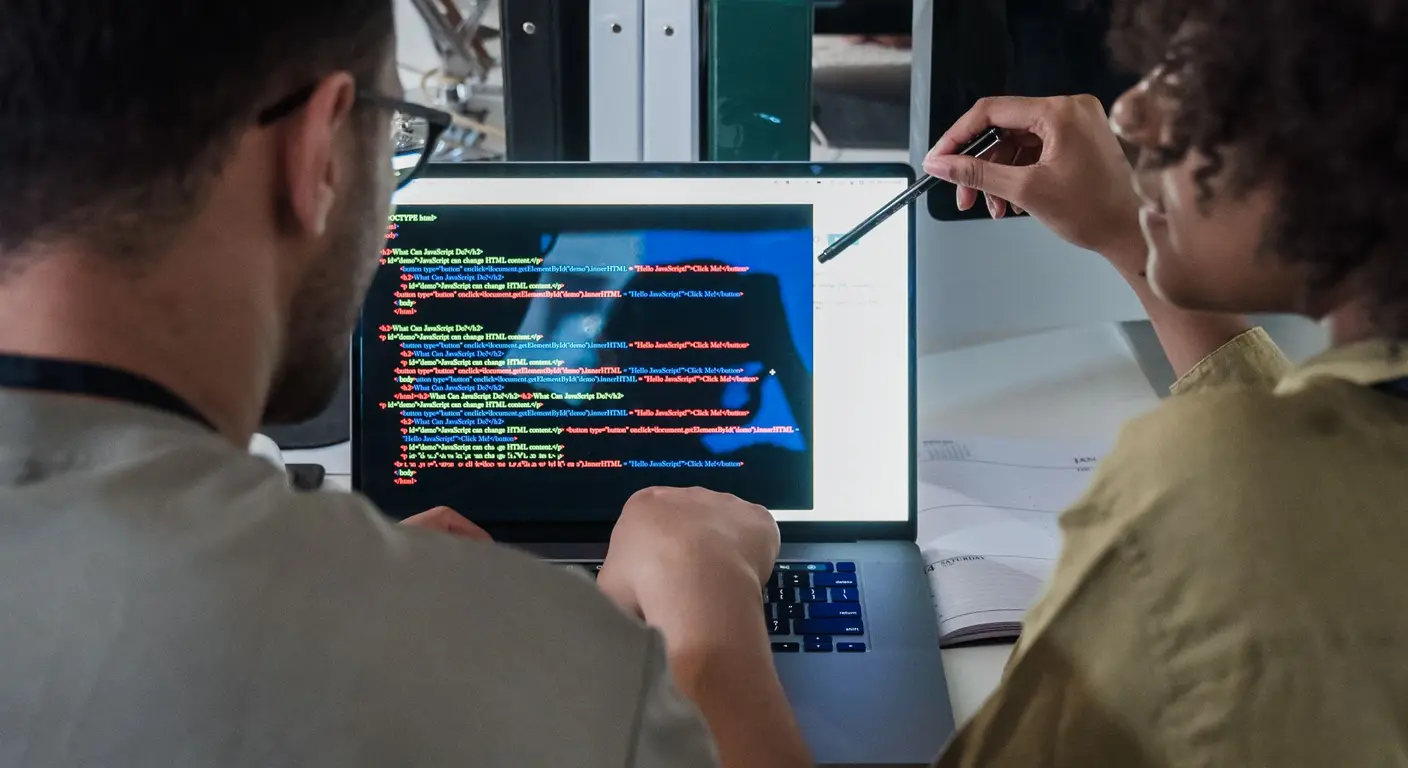
AI pair programming is writing software together with an AI model in a running conversation, where one side drives (writes the code) and the other navigates (plans, reviews and catches mistakes). The AI can be a coding agent in your terminal, a chat panel in your editor, or both.
The idea comes from human pair programming. In the classic description in Martin Fowler's article on pairing, the driver types and focuses on the immediate step, while the navigator reviews as code is written and keeps the bigger picture in mind. Roles switch regularly.
With AI, the roles still apply, but the split is different:
- The AI is fast at typing, searching the codebase and running commands, and it does not get tired.
- You are better at knowing what the product needs, spotting wrong assumptions and judging trade-offs.
- The AI forgets between sessions unless you give it written context, and it can be confidently wrong.
So the most productive setup usually puts you in the navigator seat for most of the session.
Which pairing roles work best with an AI?
Use the AI as the driver for well-defined implementation work, and drive yourself when you are learning, exploring a design, or touching code where mistakes are expensive. Switch deliberately, not by accident.
| Mode | Who types | Who reviews | Good for |
|---|---|---|---|
| AI drives, you navigate | AI agent | You | Features with clear specs, refactors, tests, migrations |
| You drive, AI navigates | You | AI | Learning a codebase or language, sensitive code, design spikes |
| Ping-pong | Alternate: one writes a failing test, the other makes it pass | Both | Test-driven development, tricky logic |
| Strong-style | You type what the AI explains | You check as you go | Onboarding, learning new frameworks |
| Writer and reviewer | One AI session writes | A second, fresh AI session reviews, then you | Larger changes where bias toward its own code matters |
The writer and reviewer pattern is recommended in the Claude Code best practices: a fresh session reviews better because it is not biased toward code it wrote itself.
How do you start an AI pair programming session?
Start every session by giving the AI the context a new teammate would need, then agree on a plan before any code changes. Ten minutes here saves an hour of untangling later.
- Write down the project basics once. Put build, test and lint commands, code style rules and gotchas in an instruction file the agent reads every session:
CLAUDE.mdfor Claude Code,AGENTS.mdfor Codex and several other tools. Keep it short. The guide on CLAUDE.md best practices covers what belongs there. - State the task with acceptance criteria. Name the files, the behavior you want, and how you will know it works.
- Ask for exploration and a plan first. Let the AI read the relevant code and propose an approach without editing anything.
- Review and edit the plan. This is the cheapest moment to catch a wrong assumption.
- Then let it implement, in small steps, running checks as it goes.
A good opening prompt names the goal, the constraints and the check:
We are adding rate limiting to the public API.Read src/middleware/ and src/routes/api/ first and tell me how requests flow today.Constraints: reuse the existing Redis client in src/lib/redis.ts, no new dependencies.Done means: 429 after 100 requests per minute per API key, tests cover the limit and the reset.Do not edit anything yet. Propose a plan with the files you will change.Compare it with "add rate limiting," which leaves the AI to guess the storage, the limits, the scope and what "done" means.
Why should you plan before the AI writes code?
Planning first stops the AI from confidently solving the wrong problem. Agents start editing as soon as they think they understand, and a wrong early assumption spreads across many files.
In Claude Code, plan mode keeps the agent read-only: it reads files and answers questions but makes no changes. You enter it by pressing Shift+Tab until the status bar shows plan mode, or start a session with claude --permission-mode plan. Pressing Ctrl+G opens the plan in your editor so you can change it before approving. Other agents and editors have similar ask or plan modes; use whichever your tool offers.
Skip planning when the change is obvious. The Claude Code docs put it well: if you could describe the diff in one sentence, skip the plan. Plan when you are unsure of the approach, the change spans several files, or you do not know the code well.
For larger features, flip it around and let the AI interview you before it writes a spec:
I want to add team invitations by email. Interview me about edge cases, permissions,expiry and UI before writing anything. When we are done, write the spec to SPEC.md.Then start a fresh session to implement from SPEC.md, so implementation starts with a clean context.
How do you keep AI changes small and reviewable?
Ask for one logical change at a time, commit after each one that works, and stop the AI as soon as it heads in the wrong direction. Small diffs are what make review possible.
Habits that keep diffs small:
- One change per prompt. "Add the middleware" then "wire it into the routes" then "add tests" beats one prompt for all three.
- Commit at every green step. A commit is your save point. If the next change goes badly,
git restore .takes you back. - Interrupt early. In Claude Code,
Escstops the agent mid-action with context intact. PressingEsctwice or running/rewindrestores earlier conversation and code checkpoints. Checkpoints only cover edits made through the agent's file tools, so they do not replace git. - Reset after repeated corrections. The best practices doc advises that if you have corrected the agent more than twice on the same issue, run
/clearand start again with a better prompt. A clean session with what you learned beats a long one full of failed attempts. - Clear between unrelated tasks. Old context makes the AI slower and more error-prone.
Run several independent tasks in parallel by giving each agent its own git worktree, so their edits never collide. See git worktrees for AI agents for the setup.
How do you make the AI check its own work?
Give the AI a command that returns pass or fail, such as a test suite, type checker, linter or build, and tell it to run that command and iterate until it passes. Without a check, the AI stops when the code looks finished, and you become the test suite.
The Claude Code best practices make the same point with a before-and-after example: instead of "implement a function that validates email addresses," give example inputs, expected results, and an instruction to run the tests after implementing.
Write validateEmail in src/lib/validate.ts.Cases: "user@example.com" is valid, "invalid" is not, "user@.com" is not, "a@b.co" is valid.Write the tests first, run them and show me they fail, then implement until they pass.Do not change the tests to make them pass. Show me the final test output.Two details make this work:
- Ask for evidence, not claims. "Show me the test output" is easier to review than "Done, all tests pass."
- Protect the tests. Agents under pressure sometimes edit a test to match broken code. Say explicitly that tests are not to be changed without asking.
Ping-pong pairing fits this well: you write a failing test, the AI makes it pass, then you write the next test. The post on how to write unit tests with AI goes further into avoiding tests that assert nothing.
How should you review code from your AI pair?
Review AI-written code exactly as you would a colleague's pull request: read every line of the diff, ask why for anything surprising, and merge only what you could explain to someone else. Speed of writing does not reduce the need for review.
A practical review checklist for AI diffs:
| Check | What to look for |
|---|---|
| Scope | Files changed that the task did not need, unrelated "cleanups" |
| Correctness | Edge cases, error paths, off-by-one, timezone and null handling |
| Reuse | New helpers that duplicate existing ones in the codebase |
| Tests | Tests that check behavior, not tests that mirror the implementation |
| Security | User input reaching queries or shell commands, secrets, missing auth checks |
| Dependencies | New packages you did not ask for |
| Comments and names | Comments that restate code, names that do not match conventions |
Ask the AI to defend its choices: "Why did you add a new cache instead of using the existing one?" Often the answer is that it did not know the existing one existed, which tells you what to add to your instruction file.
A second AI reviewer in a fresh session catches more. In Claude Code you can ask for a subagent review against your plan, or start a separate session with only the diff. For automated reviews on every pull request, see AI code review.
What are common AI pair programming mistakes?
Most problems come from treating the AI as an oracle instead of a partner whose work you check. These are the ones that cost teams the most time:
- Huge first prompts. "Build the billing system" produces a large diff nobody can review. Break it into tasks.
- No written context. Re-explaining the stack every session wastes time and produces inconsistent code. Keep an instruction file.
- Accepting what you do not understand. If you cannot explain a change, ask the AI to explain it or rewrite it in a plainer way.
- Endless correction loops. After two failed corrections, clear and restart with a better prompt.
- Letting the AI pick dependencies. Name the libraries you want, or require approval for new ones.
- Skipping tests because "it ran." A single manual check misses most edge cases.
- Long unattended runs without checks. The longer the AI works alone, the more you need tests and a review step before merging.
Some tasks suit longer hand-offs: a well-specified issue, a migration across many files, a test suite to extend. For those, the pairing becomes delegation: you write the task, the agent works, you review the pull request. The guide on how to write tasks for AI coding agents has templates. If you want those longer runs to continue after you close your laptop and review them from your phone, Orkio runs agents such as Claude Code on an always-on cloud box with your own Claude account.
How to start AI pair programming today
- Pick one agent or editor and learn its plan mode, interrupt and undo controls.
- Write a short instruction file with build, test and lint commands and five project rules.
- Choose a real, small task and write it with acceptance criteria.
- Ask for exploration and a plan, then edit the plan before approving.
- Let the AI implement in small steps, running tests after each one.
- Commit at each green step and read every diff before you commit.
- Ask a fresh session to review the final diff, then open a pull request for human review.
If you are new to the terminal agent workflow, the Claude Code tutorial walks through installation and a first task end to end.
Frequently asked questions
Is AI pair programming the same as using autocomplete?
No. Inline autocomplete suggests the next few lines while you type, so you stay the only real author. AI pair programming is a conversation about a task: you discuss the approach, the AI writes or reviews larger changes, and you both check the result. Many developers use both.
Does AI pair programming make you a worse programmer?
It can if you accept changes you do not understand. If you read each diff, ask the AI to explain unfamiliar code, and sometimes drive yourself while the AI reviews, you keep and grow your skills. Treat the AI as a partner whose work you check.
Which tools work best for AI pair programming?
Terminal agents such as Claude Code and Codex, AI editors such as Cursor, and GitHub Copilot in VS Code all support conversational pairing. Pick the one that fits where you already work, then learn its planning, undo and review features well. The workflow matters more than the tool.
How do you pair program with AI on a team?
Commit a shared instruction file such as CLAUDE.md or AGENTS.md with build commands and conventions, require that AI-written changes go through normal pull request review, and agree on which tasks suit an agent. Keep the human who prompted the change responsible for it in review.
Can AI pair programming work for beginners?
Yes, if the beginner drives and the AI navigates: you write the code and ask the AI to review it, explain errors and suggest next steps. Letting the AI drive teaches less. Strong-style pairing, where the AI explains and you type, is a good middle ground.